SignIt
INFO
This project belongs to T-med.
Overview
Context: The client needs to have a large number of documents signed and stored (attendance sheets, consent forms, safety sheets, service contracts, etc.), which may include health data, and these documents need to be kept for very long periods (up to more than 10 years).
Currently, depending on the type of document, they are signed on paper, and sometimes scanned for storage in multiple silos without interconnections, making them difficult to access for the concerned parties.
The "Sign It" project will take the form of a web app with two main parts:
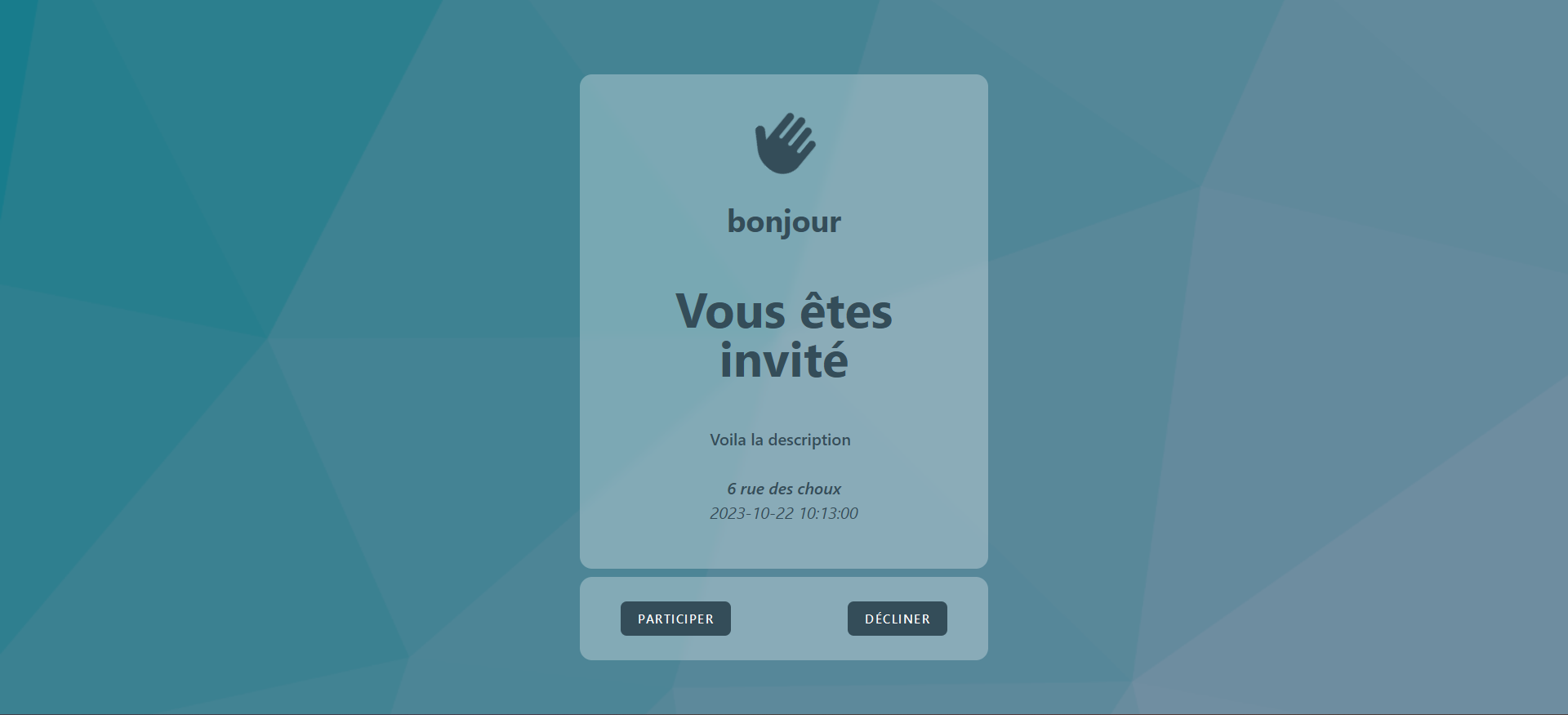
- User/Signer Side: After receiving a unique link (attached to a blank document awaiting signature), the user will be able to view the document and initiate the signing process (as defined in the features).
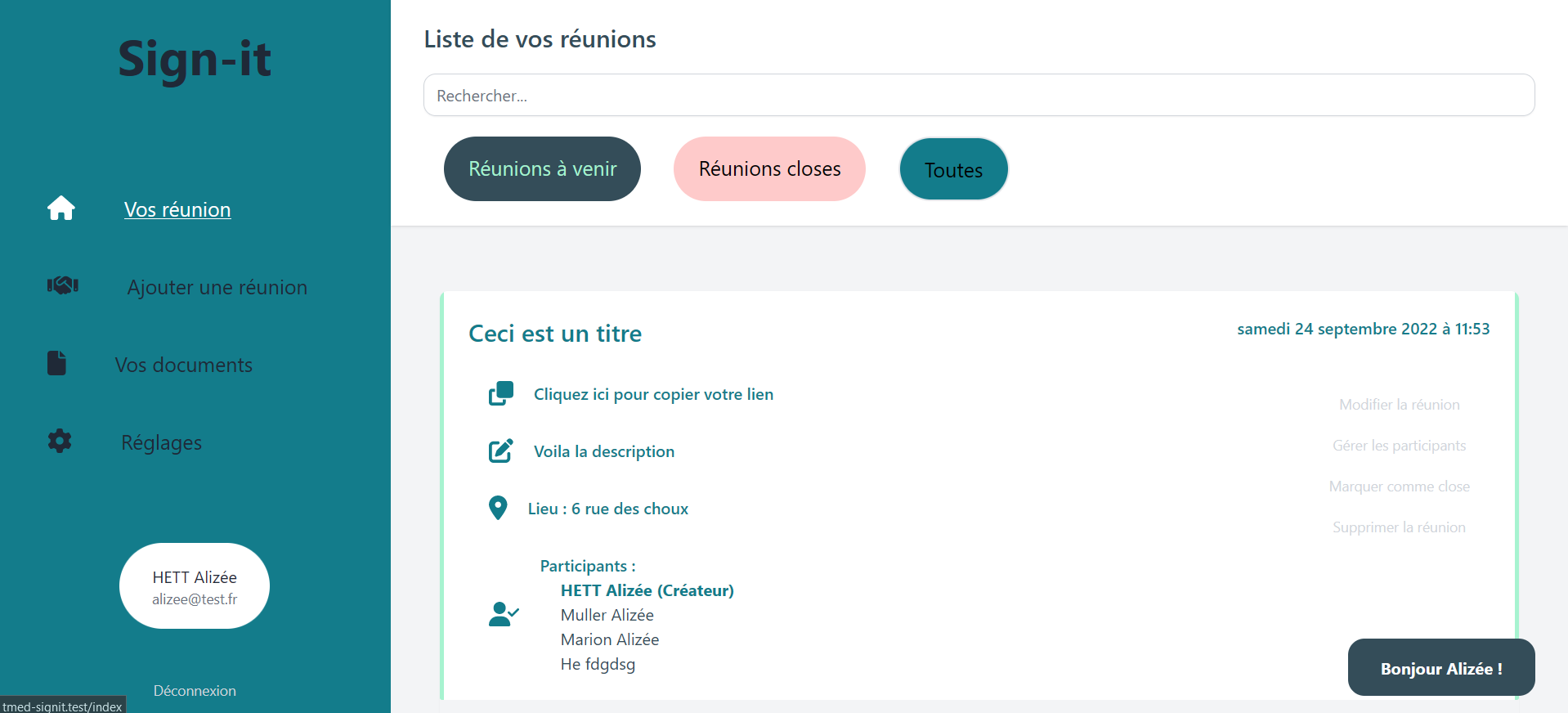
- Administrator/Document Creator Side: This part of the application allows the admin to view existing documents, perform simple searches (signed by X, created on Y, etc.), and generate a new document for signing.
The application uses Laravel and Vue.js.
Other modules used include:
Inertia to easily bridge PHP and JavaScript.
SweetAlert for creating responsive and customizable alerts.
Tailwinds for CSS.
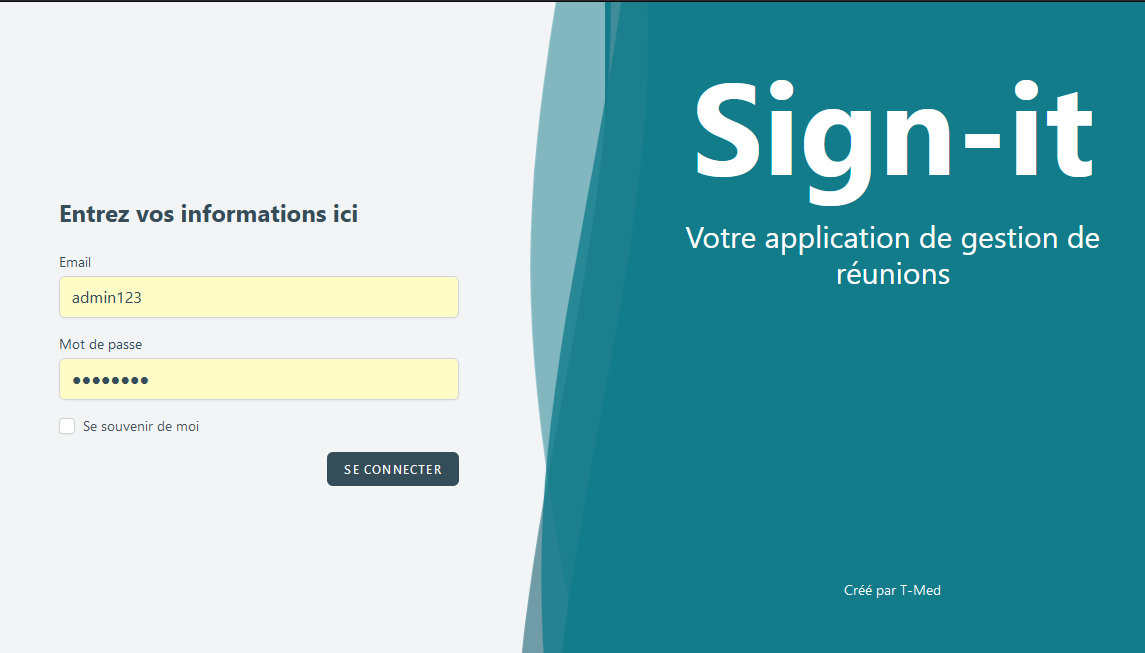
Application Preview
My Contribution
Features
Registration & Two-Factor Authentication
To ensure that the person signing the document is truly who they claim to be, the user must have a previously created account in the classic format (first name, last name, valid and verified email address, password, and optionally, a phone number capable of receiving SMS).
When signing the document, the user must be identified and will receive one of the following notifications:
- Either an SMS code to be entered during the signing process, with the SMS including at least the name of the document the user is about to sign.
- Or, in the absence of a phone number capable of receiving SMS, an email containing the same notification.
Document Generation
For Phase 1, the models need to be structured to already have a type (attendance, contract, etc., represented by a simple alphanumeric string), but for this phase, there will only be attendance sheets.
A document also has a status:
- Created: Just created.
- Pending: Awaiting signature by one or more people.
- Closed: Closed for signing.
- Done: Completed and validated, awaiting sealing.
- Sealed: Seal issued and saved in the database (hash of the final PDF).
Based on a Word template, document generation requires a file name, as well as two datetime fields (defaulted to null) defining:
- A date when the document can start being signed (opening of signatures).
- A date when the document can no longer be signed (closing of signatures).
The people signing the document will be added to the list of participants, displaying their first name, last name, a “semi-signature” (in a cursive font), and a hash corresponding to the concatenation of the user_id, document_id, and the date of the signature.
Document Sealing
When a file is closed at the end of the signature collection period, or when it is manually marked as done, a seal must be applied to the document (PDF generation, adding a mark at the end of the document serving as a "digital signature" (a random hash, which is then recorded along with the SHA1/SHA256 of the file), and calculating the SHA1/SHA256).
The sealing information will be stored in a table, with a link to the document.